
Skip to content

Everyone photographed it.
Now you have them all.

Every guest at your event has a camera in their pocket. The Guest Village gathers their photos and videos into one album you keep. Guests need no app and no account.

From GHS 250£25 per event, paid once. See prices

  1. 1 of 4 guests · Ama's phone
  2. 2 of 4 guests · Kofi's phone
  3. 3 of 4 guests · Esi's phone
  4. 4 of 4 guests · Yaw's phone
One moment, four guests' phones. One album.
  1. Everyone filmed the first dance. You've seen none of it.

  2. Forty guests, forty camera rolls.

  3. By Monday the photos are scattered across six group chats.

Sound familiar?

Group chats are where event photos get lost. The Guest Village keeps every one.

How it works

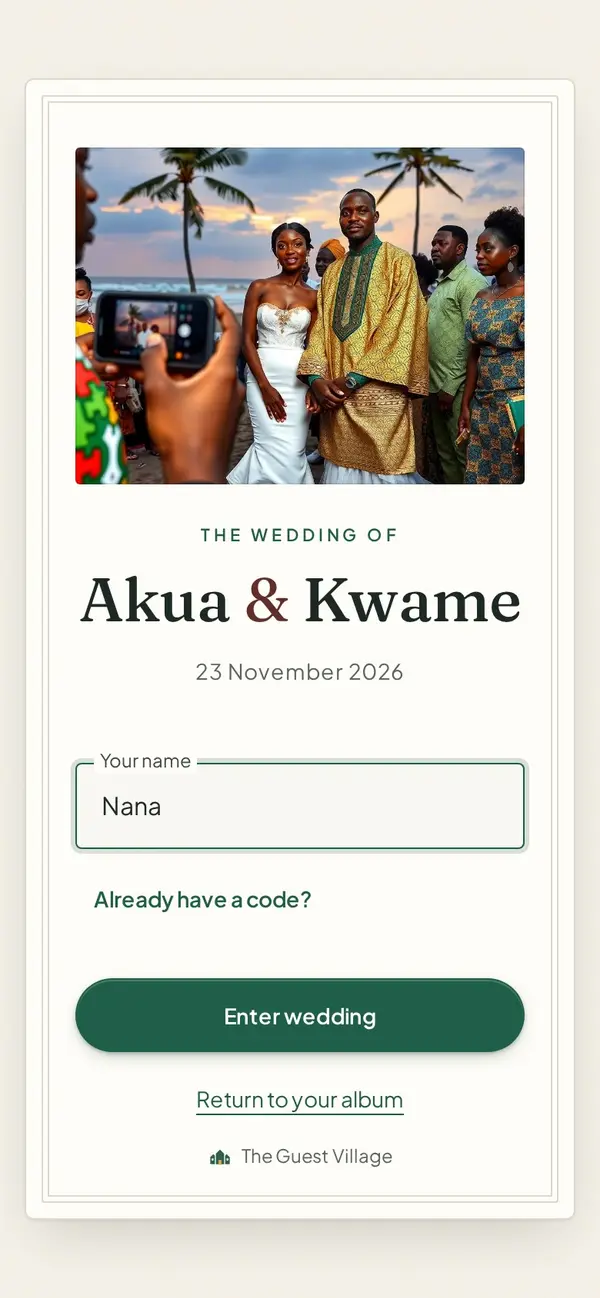
  1. 1Gather

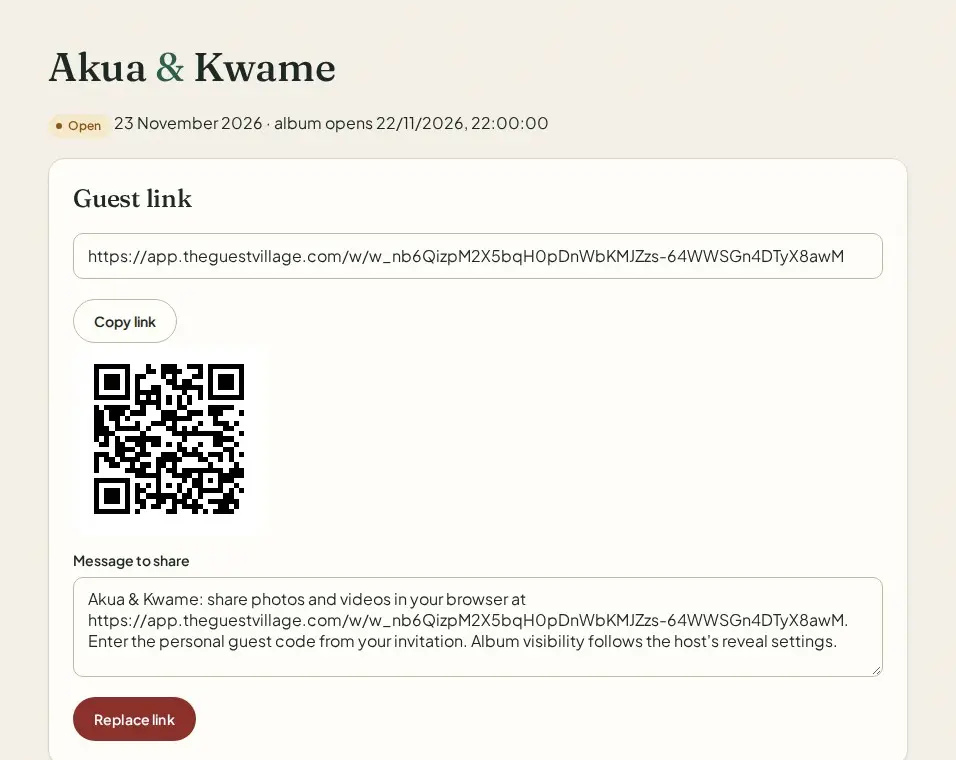
    Guests scan the QR card on their table or open your link, type their name and add photos and short videos straight from their phones.
  2. 2Reveal

    Keep the album sealed until a moment you pick, like the end of the night, then open it to everyone at once. Guests who can't wait can post to the event's shared timeline, which everyone sees straight away.
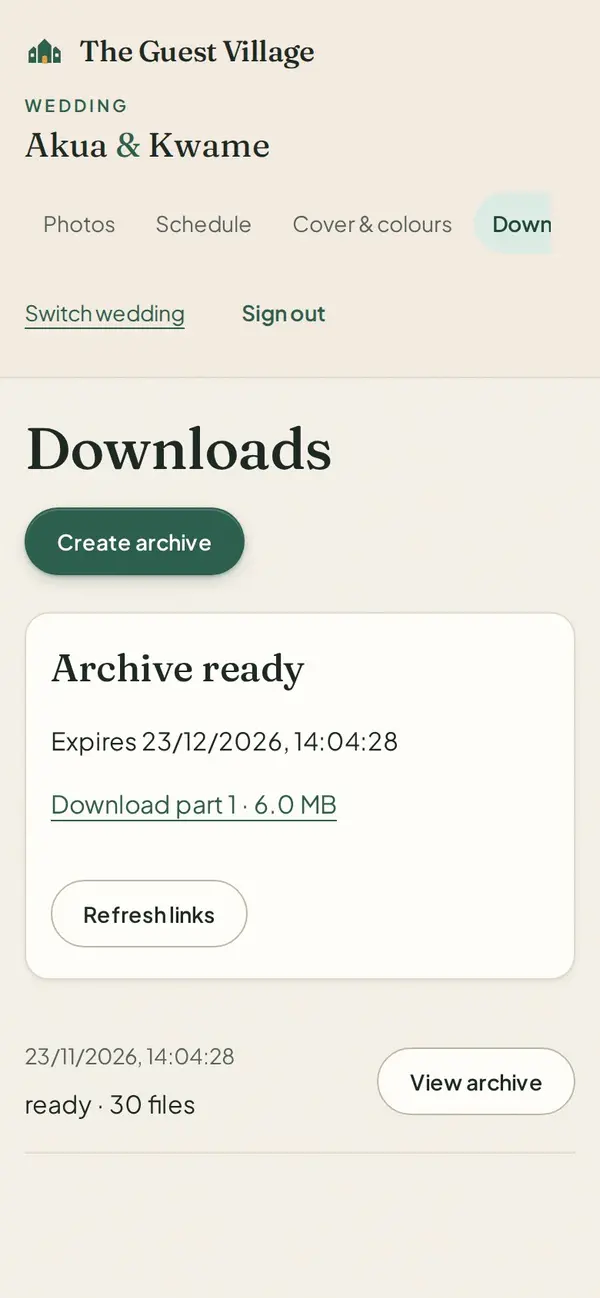
  3. 3Hand over

    Download the whole album as an archive of the original files, whenever you like. It's yours to keep.
Only a few apps do this

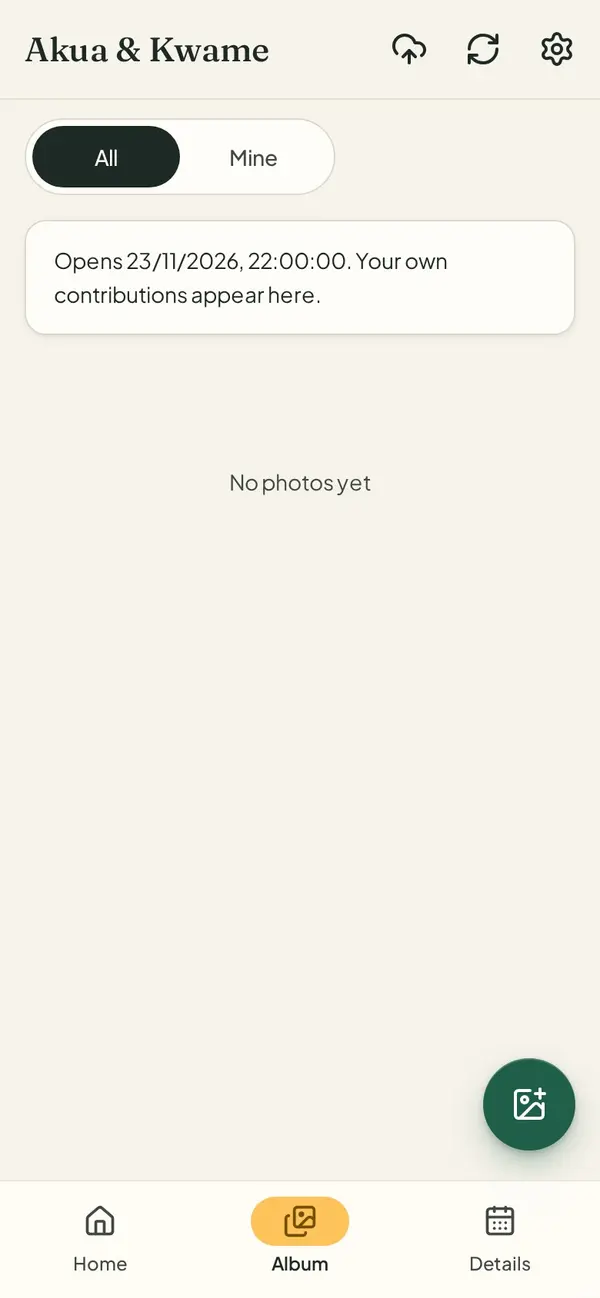
Keep it sealed until the moment you choose

You set the date and time the album opens. Until then, each guest sees only their own photos, so nobody's camera roll spoils the surprise. Then everyone's photos open to everyone at once.
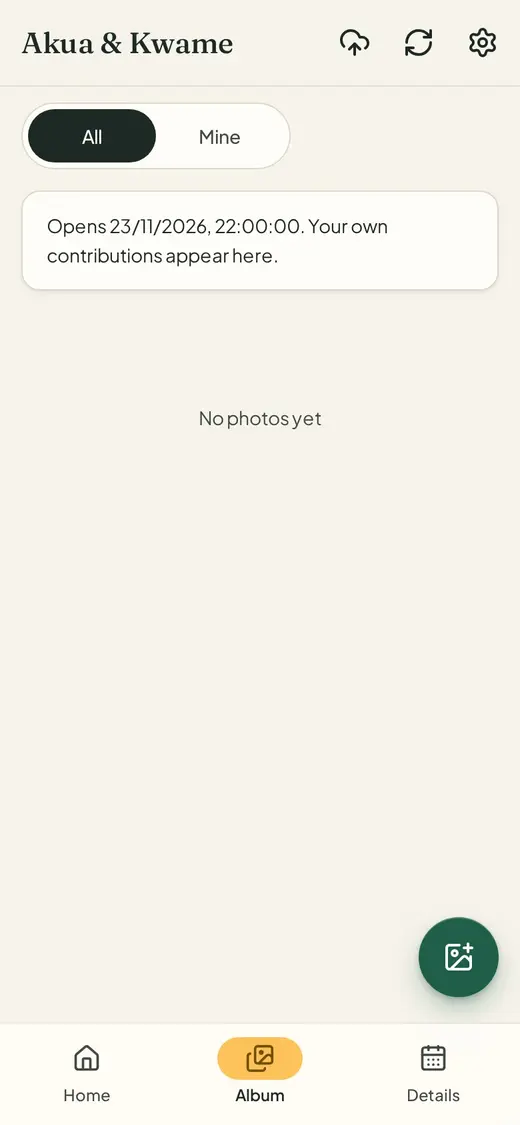
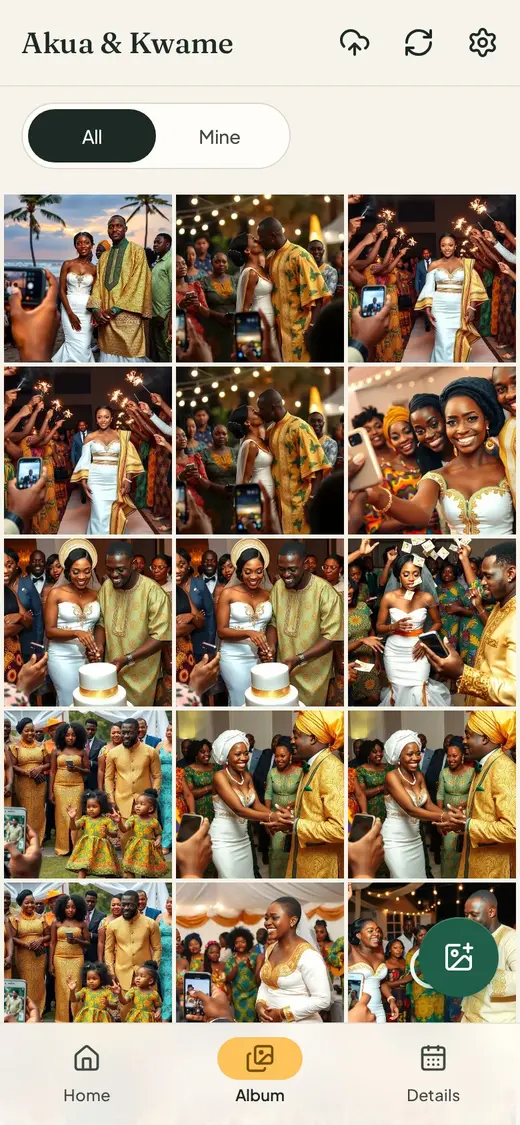
The album before it opens: a notice with the opening date and time
Before: sealed
The album after it opens: a grid of every guest's photos
After: open to everyone

What you and your guests get

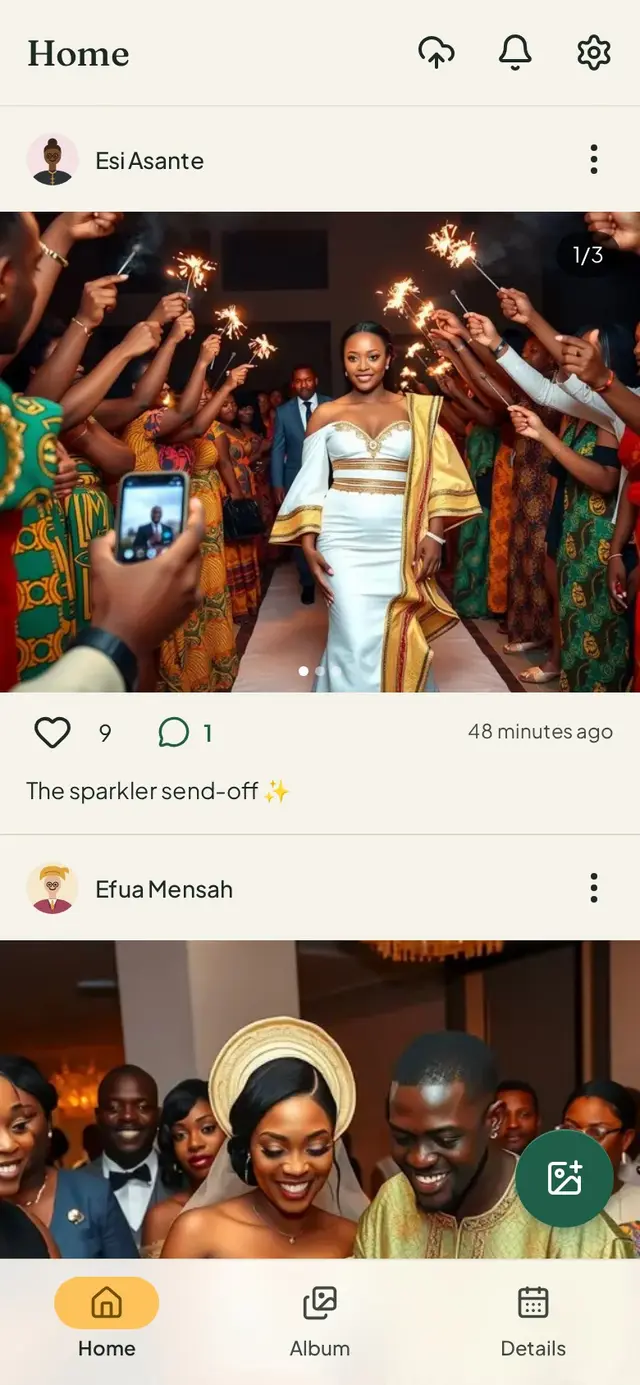
  • A shared timeline

    Guests who can't wait post to the timeline, and everyone sees it straight away, with hearts and comments.
  • Videos up to 60 seconds

    Short clips sit alongside the photos.

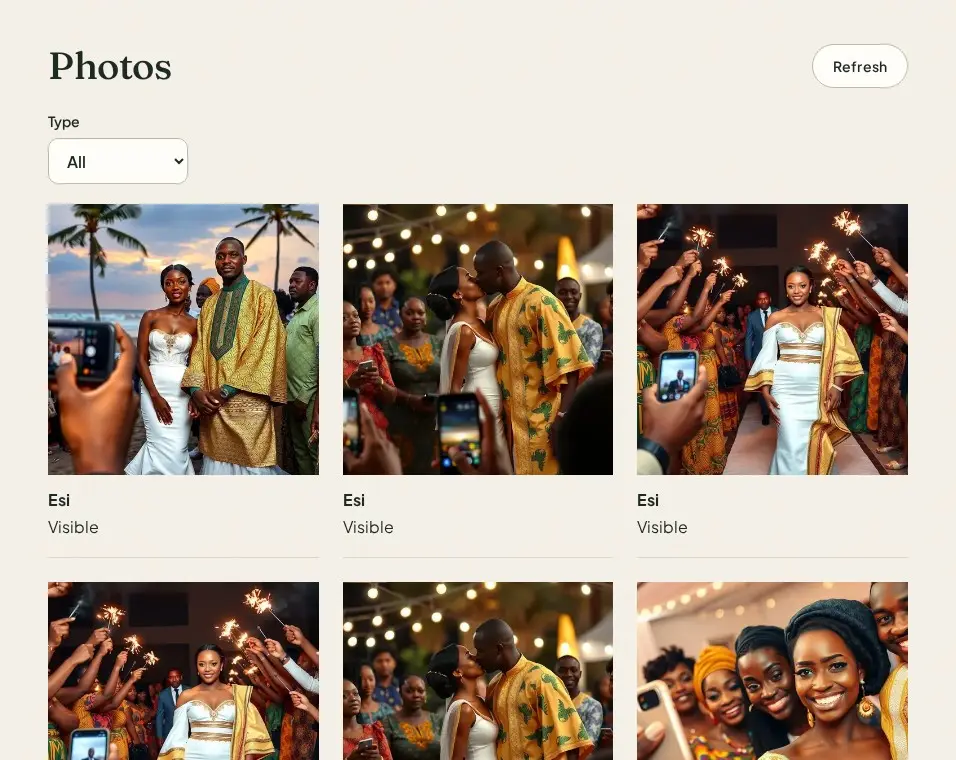
  • You decide what stays

    Review what guests post, and hide or remove anything at any time.
  • QR cards for every table

    Guests scan and they're in. Cards print in your colours.
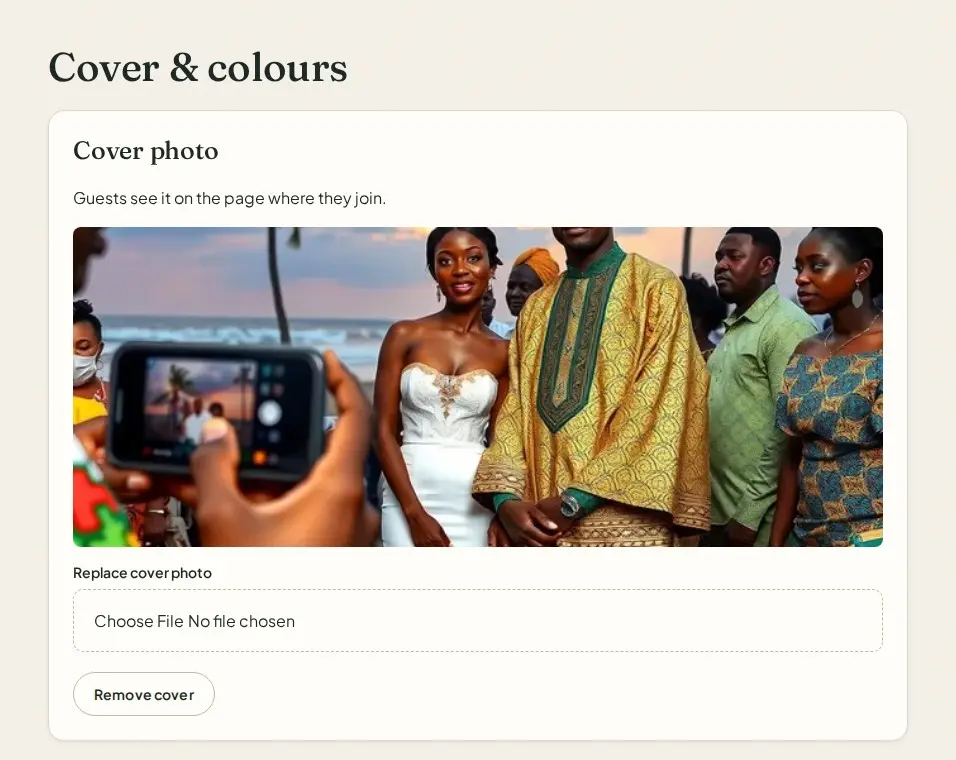
  • Your cover, your colours

    Guests arrive on a page with your photo, in your event's colours.
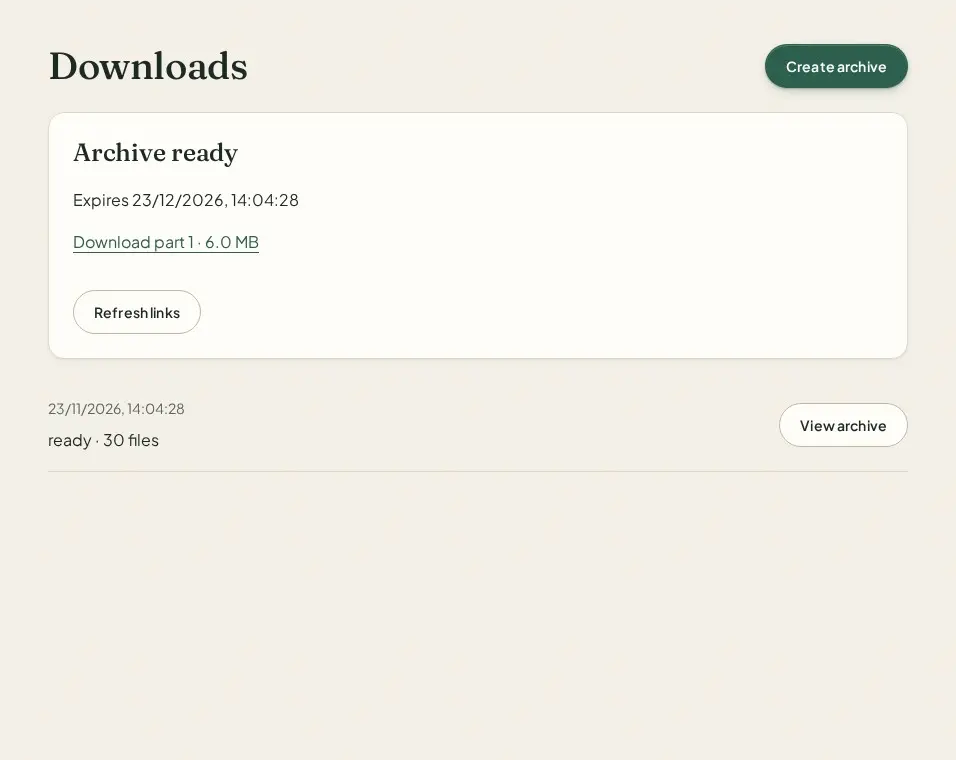
  • Download everything

    The whole album as an archive of the original files. It's yours.
For any event

  • Weddings
  • birthdays
  • anniversaries
  • reunions
  • graduations
  • company days
  • community gatherings

If people bring their phones, it works. Guests join in their phone's browser, so nobody is left out by an app store or a sign-up.

Prices

One payment per event, by invoice once we've talked. No app fees for your guests.

  • Essentials

    For one event

    GHS 250£25 per event

    • Up to 100 guests
    • Kept for 12 months
    • You review what guests post
    Choose Essentials
  • Celebration

    For one bigger event

    GHS 500£45 per event

    • Up to 300 guests
    • Kept for 24 months
    • Printed QR card pack
    • Our team moderates during the event
    Choose Celebration

For planners and venues: monthly plans from GHS 550£59 a month, and custom terms for larger volumes. See plans for several events

Planners and venues

Several events a month, one login

Run every client's event from one account. Each event gets Celebration-level features: up to 300 guests, 24 months of storage, printed QR cards and our team moderating on the day.

  • Planner

    For event planners

    GHS 550£59 a month

    • Up to 3 events a month
    • Each event at Celebration level
    • One login for all of them
    Choose Planner
  • Venue

    For venues

    GHS 1,350£129 a month

    • Up to 10 events a month
    • Each event at Celebration level
    • One login for all of them
    Choose Venue

More events, or special terms? Let's talk

Questions

What does it cost?
Essentials is GHS 250£25 and Celebration GHS 500£45, paid once per event. Planners and venues have monthly plans. See prices.
Do guests need to install an app?
No. Guests open your link or scan your QR card and use their phone's browser. There's no account to create; they just type their name.
What if the venue signal is bad?
Photos a guest adds are saved on their phone first and stay there until they're received. If the connection drops, nothing is lost: they can send them again once they're back online.
What about inappropriate photos?
Posts can be reviewed before other guests see them, and you can hide or remove anything at any time. With Celebration, our team moderates during the event.
How long is the album kept?
12 months with Essentials and 24 with Celebration. You can choose an earlier deletion date from your dashboard; guests get at least seven days' notice.
Who owns the photos?
You and your guests do. You can download everything as an archive of the original files, and guests keep their own copies on their phones.
Do I still need a photographer?
Yes. Your photographer captures the day as it should look. The Guest Village gathers what your guests saw: the moments from their seats, the dance floor and the queue for food.
Can guests add videos?
Yes, clips of up to 60 seconds, alongside photos.
What about privacy?
The album is only reachable through your invitation link or code. We set no tracking cookies, and any guest can ask for their photos to be removed. Read our privacy notes.

Your next event, every guest's photos.

Talk to us

Tell us about your event and we'll set it up with you, or book a short call to see it working first.

What would you like?
Optional details Leave any of these empty.
Tick this so we can reply to you.

What happens next

  1. We read your message and reply by email.
  2. We set up your event with you, and send an invoice.
  3. You get your link and QR cards to share with your guests.